 Jump to content











































StormBringer1995

-
Posts
607 -
Joined
-
Last visited
Everything posted by StormBringer1995
-
What about a Black Market?(please Admins read this!)
StormBringer1995 replied to Franciscoaz in Archive
Answered Closed -
Thank you for the information. but it is already posted here on how to earn crystals http://tankionline.com/en/help/earncrystals Answered Closed
-
What about a Black Market?(please Admins read this!)
StormBringer1995 replied to Franciscoaz in Archive
this is a suggestion , so please post it in this topic http://en.tankiforum.com/index.php?showtopic=182576 -
Answered Closed
-
Answered closed
-
blinded because of brightness of moon drops a car
-
you posted the same topic here http://en.tankiforum.com/index.php?showtopic=203001&hl= please only post it once.. you may have lag in tanki. or may not of claimed that kill .. that is probably why you never received the points for that kill
-
Apparently , you cant use more than 3 keys at once on most computers. a lot of people complain about this. I think theres some way to fix it in the settings External keyboards can be attached to laptops. Tanki attached keyboards to their laptops in the offline tournament they held to fix this issue. This is keyboard ghosting, search online on how to fix, common answer is to buy an anti-ghosting keyboard.
-
Clear your browser & Flash cache. How to clear your browser cache How do i clean the cache of my Flash-player this could help
-
You have been experiencing lag, refresh the page and the lag will disappear. Try to get a better internet source if one is available, also try to increase you browser performance, instructions can be found here: http://en.tankiforum...howtopic=163692
-
I know he posted i just thought you might want to read on how to update flash player as it will help you for the future if you have any problems. and i know there is more to being a mod, and i'm not a mod as i'm too low rank at the moment
-
Please refer to these 2 posts .. you should be able to find standalone flash player here http://helpx.adobe.com/flash-player/kb/installation-problems-flash-player-windows.html and https://forums.adobe.com/message/4936765
-
yes that flash player is the standalone flash player.. you just need to read it and update it....
-
go here http://www.adobe.com/support/flashplayer/downloads.html#fp11.9 and Read what it says and it will tell you how to update the flash player
-
use this link to update flash player to number 13 http://www.adobe.com/support/flashplayer/downloads.html#fp11.9
-
please refer to this link Adobe Flash player http://www.adobe.com/support/flashplayer/downloads.html
-
the lag occurring is maybe due to lack of FPS 1. You can increase FPS of the game by running Tanki Online as a separate application (using Standalone Flash Player). 2. You can also increase the FPS rate and improve the graphics quality by enabling hardware acceleration. if none of this helps then email help@tankionline.com as i've done all i can to try and help you fix the problem
-
you have already posted this topic here http://en.tankiforum.com/index.php?showtopic=202549&hl=
-
To disable the Hardware acceleration, you have to load in a Tanki server. Then, right-click with your mouse and select 'Settings'. On the Settings screen, go to the first section, then remove the tick from 'Enable hardware acceleration'. When you have done this, close the Settings menu and restart your browser.
-
-
contact paymentwall and get the ID for the transaction then email help@tankionline.com and email them the transaction ID and ask them to check if there is a problem with payment
-
Сonnection closed 1. If this error occurs regularly, then change your password and e-mail address. It is possible that someone else is logging into your account. 2. Clean Flash Shared Objects. 3. Try using another browser. Browsers can be downloaded from official sites – Chrome, Firefox, Opera и Internet Explorer. 4. Update your Flash Player plugin. 5. Perhaps your internet connection is too slow. Try to reset your Internet connection (turn your router off and on again), and stop all downloads. 6. Try playing using the Stand Alone Flash Player.
-
1. Enter the game 2. Make a screenshot by pressing Print Screen (to make a screenshot of the whole screen), or Alt + Print Screen (to make a screenshot of the active window) 3. Open MS Paint (Start –> Programs –> Accessories –> Paint) 4. Press Ctrl + V (or Edit –> Paste) 5. Your screenshot will appear in the Paint window. Click File –> Save As… to save the screenshot.
-
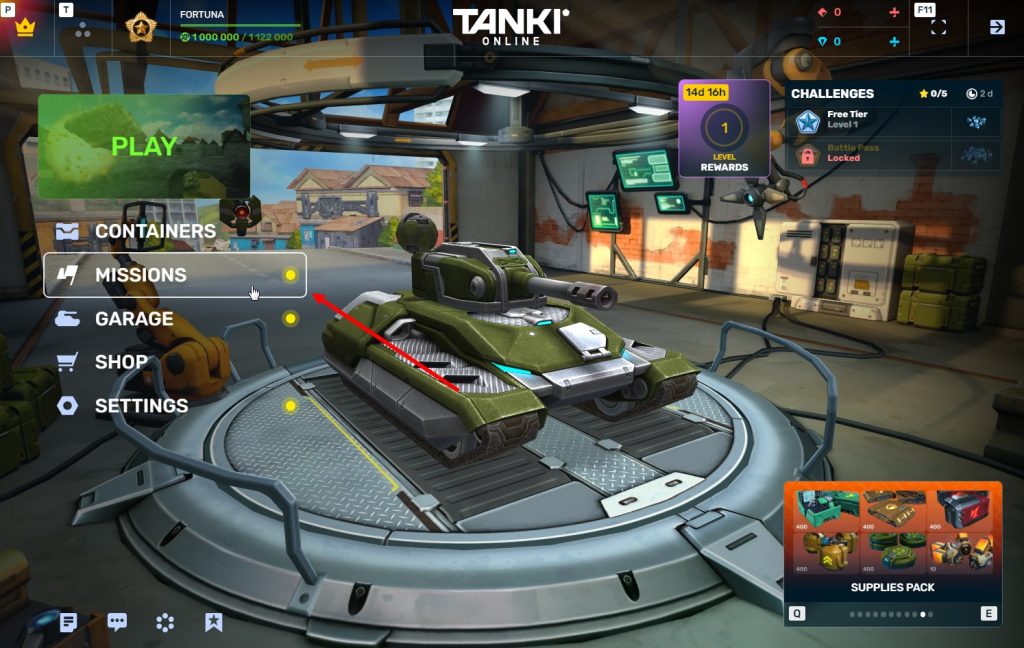
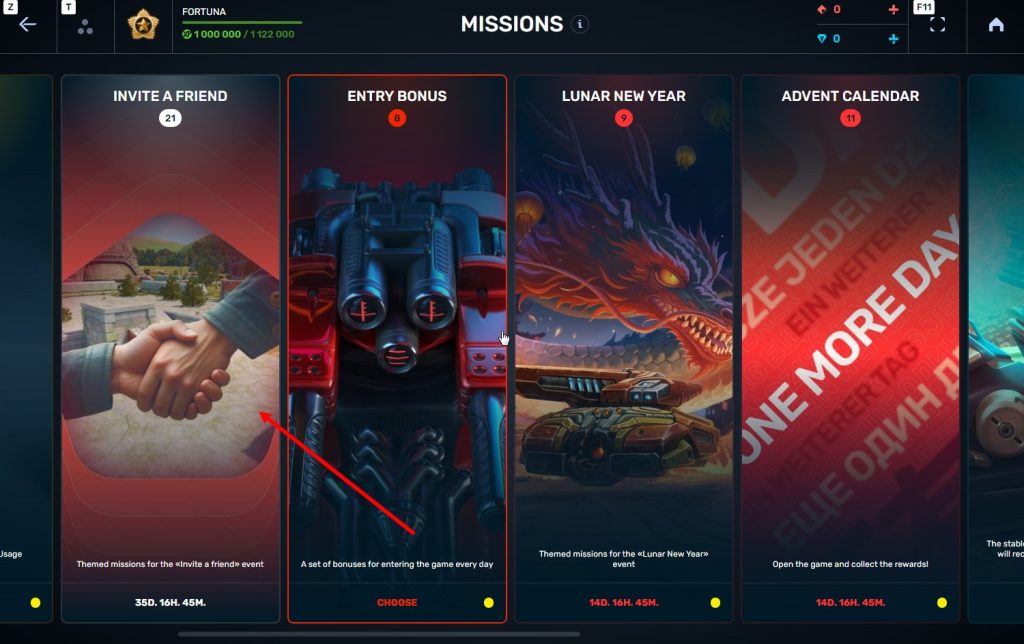
every player receives daily gifts by regularly entering the game. The gifts are chosen randomly and given immediately after the game servers’ restart at 01:00 (UTC+0). If you enter the game twice or more times between restarts, you will not receive a gift (only one gift per day). What can I get as a gift? - If your rank is lower than Gefreiter, you will always get the score multiplier pass. - No-supplies Battle Pass, lasting 24 hours: - Double crystal card - Crystals - Supplies The amount and type of supplies are random. The number you get depends on your rank. The higher your rank, the more supplies or crystals you receive. Moreover, the amount of supplies you receive as a daily gift is equal to the worth of the crystals you receive as a daily gift at your rank. The amount of crystals you get in a daily gift depends on your rank. The higher you rank the more crystals you get.
-
Go to Control Panel Click on "Network and Internet" Click on the 'Delete Browsing History and Cookies' option A window will come up, make sure you are on the 'General' tab Click on the 'Settings' below the 'Browsing History' option Where it says 'Disk space to use:' Put it up to the recommended, if it already is or it didn't make a difference, put it up 75 more. Go to settings and clear your browsing history, this usually helps to speed up the internet quite a bit. try this... also try clearing your cache. or try changing to a different browser
