 Jump to content


















































NikmanGT

-
Posts
5 827 -
Joined
-
Last visited
-
Days Won
78
Community Answers
-

-
NikmanGT's post in Updated weekly containers was marked as the answer
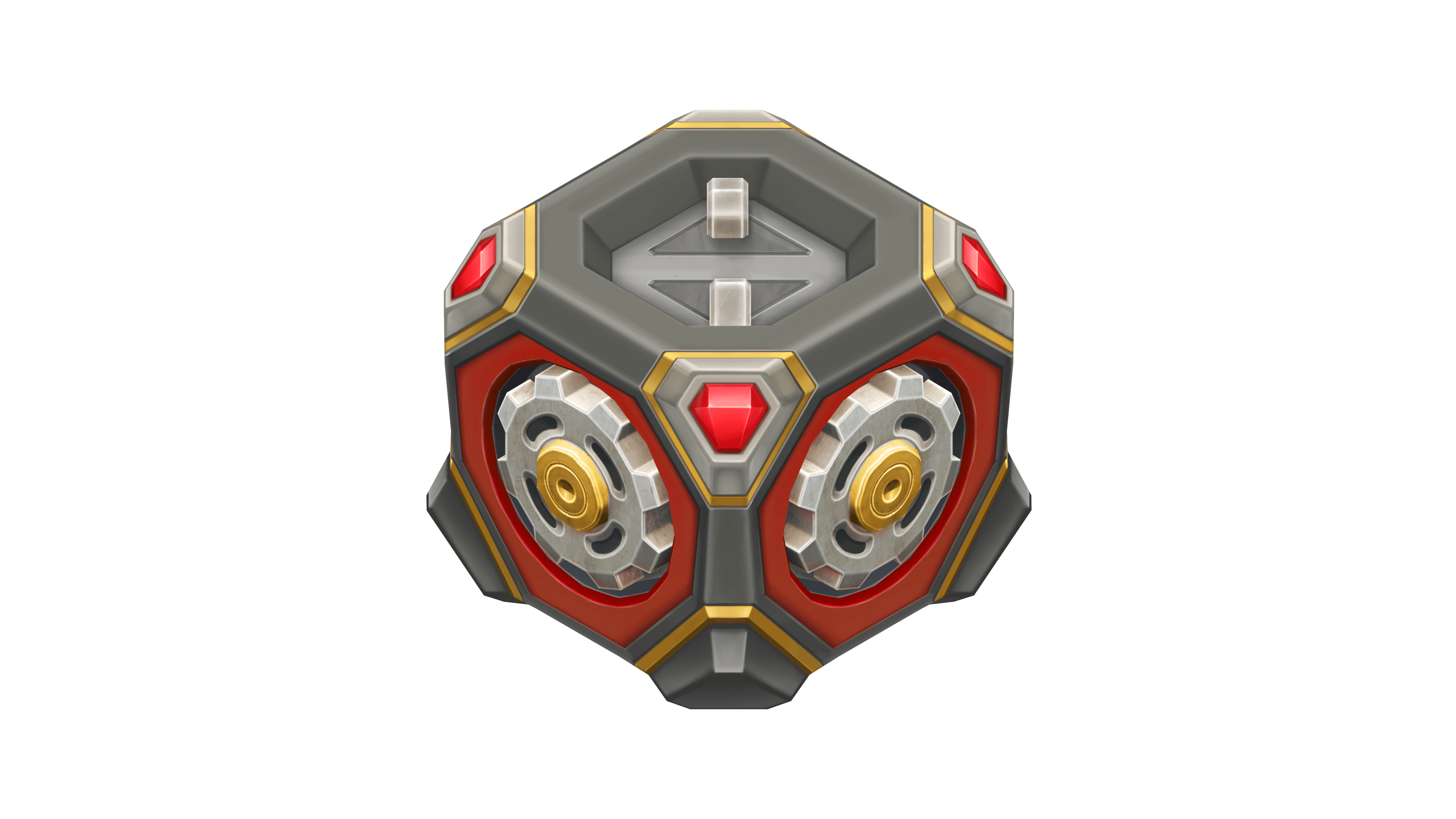
Yes I saw that too and went to check in the container section about any unknown update, but it was just a reminder of recent update of the weekly containers, that the new rewards are different from previous ones. Nothing new ^^